Utility workflows you can evaluate today.
BackflowCore.ai covers the utility workflows that matter most in evaluation: assembly records, tester readiness, submissions, review, notices, dashboards, map visibility, and hazard follow-up.
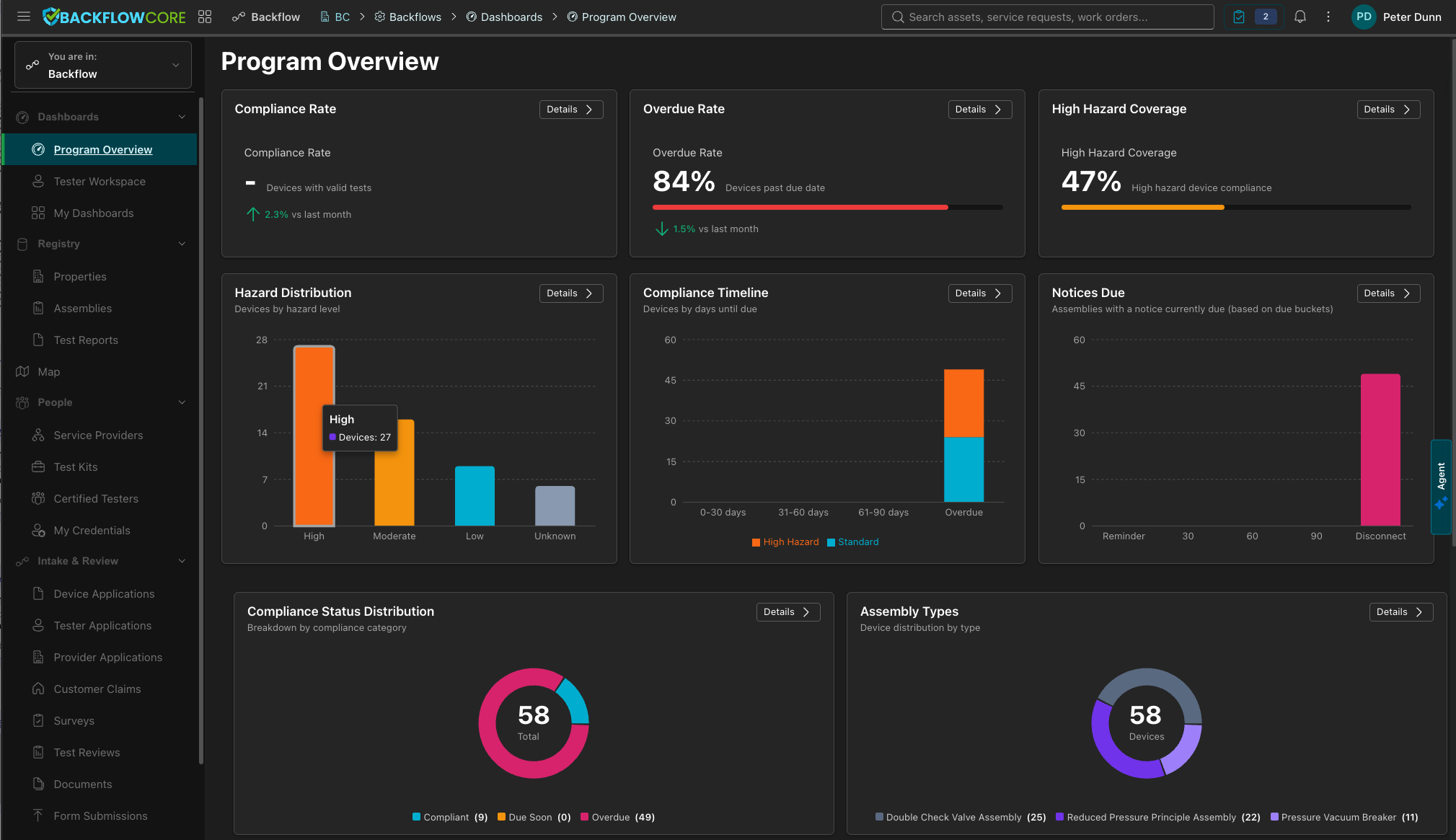
Registry and assembly history
Manage assemblies and properties with due timing, serials, hazard context, location data, and test history from one record foundation.
Tester and kit readiness
Run verification, credential review, calibration evidence, and kit readiness checks before a submission enters the program record.
Dynamic submissions and review
Capture the right form for the device, support drafts and attachments, then auto-approve or route to review with decision trace preserved.
Compliance operations
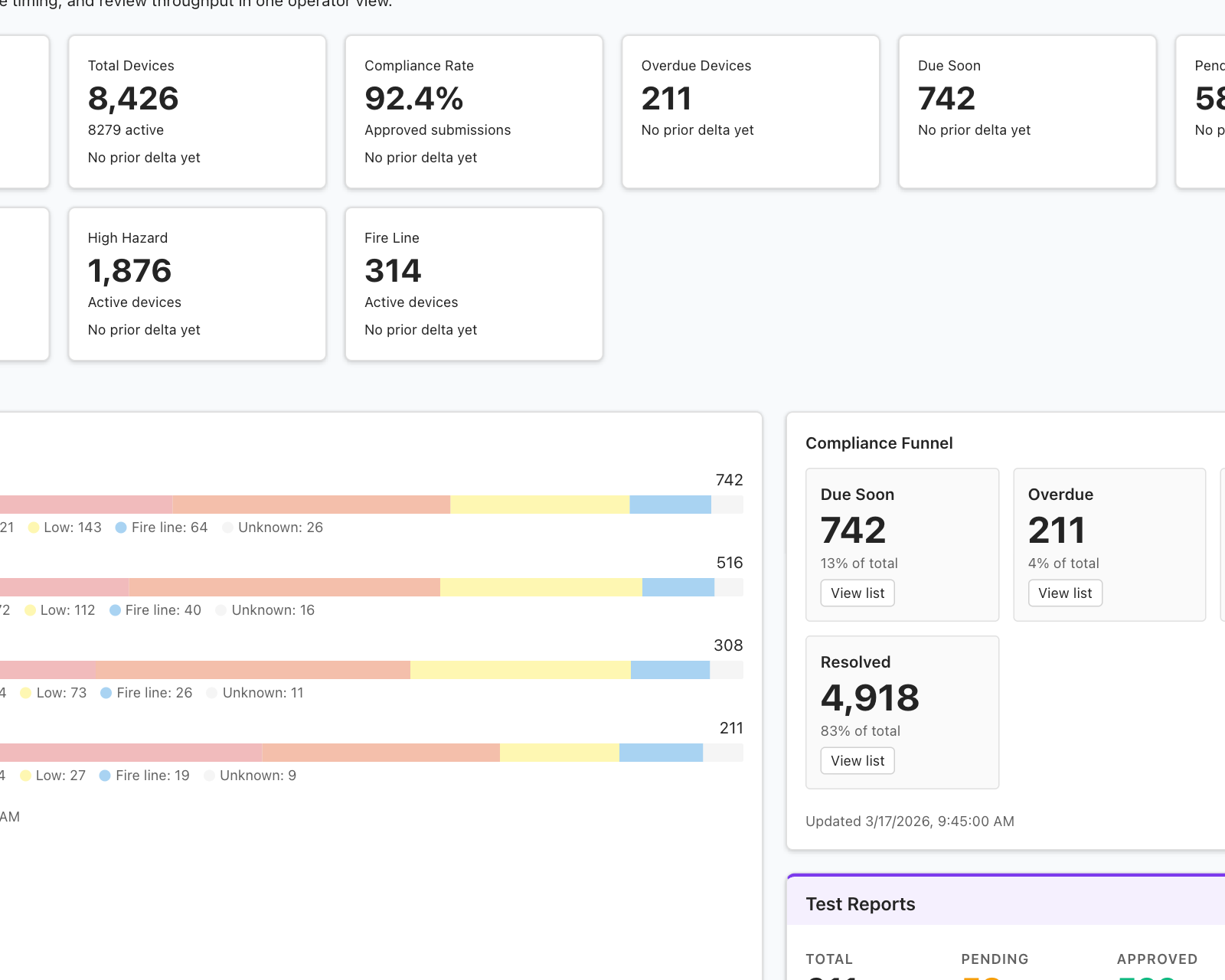
Track notice history, communication traceability, dashboards, reports, and follow-up actions without rebuilding the record from exports.
Organized around the work, not disconnected tools.
Utilities evaluating BackflowCore.ai today can validate the following operating areas across the same record model.
Property and assembly records
Keep address, serial, hazard class, due dates, ownership, and test history tied to the same assembly record.
Tester, provider, and kit eligibility
Support approval, credential documents, calibration evidence, provider rosters, and kit assignments before work is accepted.
Dynamic forms and routing
Use authenticated and public submission flows that load the right test form for the device and program context.
Queue-based approval and correction
Review higher-risk or incomplete submissions while letting lower-risk pass results move forward more efficiently.
Dashboards, map, reports, and queues
Work from program overview, tester workspace, review queues, reporting, and map-backed registry visibility.
Notices and hazard-related workflows
Manage notice history, compliance follow-up, and hazard-related cases from the same operating surface.
From device lookup to compliance action.
The clearest evaluation starts with the operating sequence utility teams already know: locate the record, verify the tester, capture the right submission, decide it, and move the program forward.
Find the right property and assembly
Start from the authoritative record with registry detail, map context, and due-date history already in place.
Validate the tester and equipment
Apply approval, credential checks, calibration evidence, and kit readiness before accepting the submission.
Capture the right test form
Load device-specific form logic, attachments, attestations, and draft-friendly workflows instead of pushing generic PDFs through email.
Review, approve, and keep moving
Update compliance state, maintain notice history, and expose the result in dashboards, reports, and communication traceability views.
Available today, expanding carefully.
Today the platform is strongest in registry, tester readiness, digital submissions, compliance operations, portals, dashboards, maps, and hazard-related follow-up. Additional policy depth and advanced enforcement automation are still being expanded.
Scheduling, payments, and unrelated utility workflows are not part of the current BackflowCore.ai scope.
- Registry pressure Teams need cleaner assembly, property, and location data.
- Tester friction Programs need readiness controls, digital intake, and fewer missing fields.
- Compliance visibility Leaders need notices, dashboards, reporting, and traceability in one place.