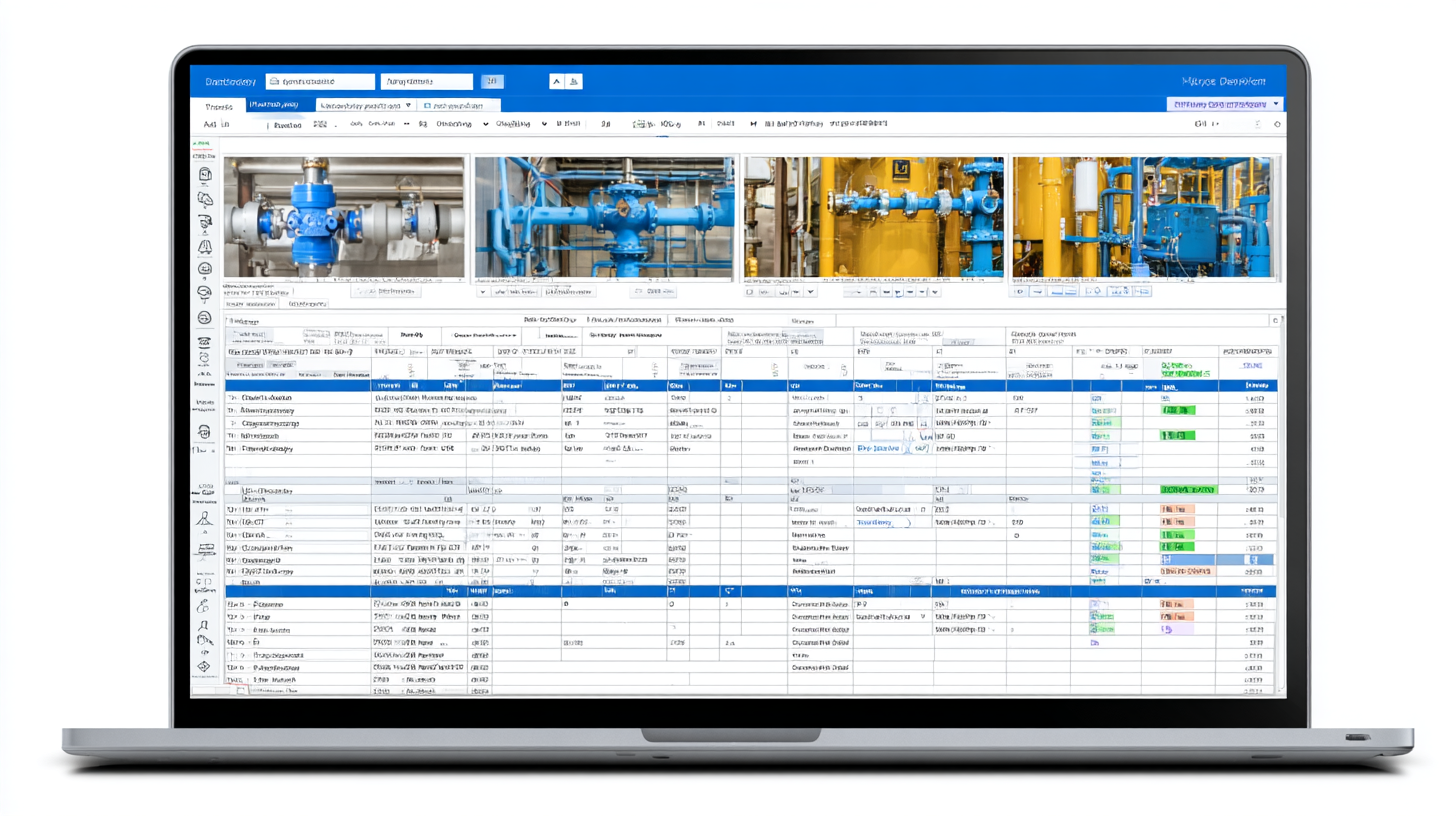
Spreadsheets are familiar, flexible, and easy to start with. That makes them a natural first step for a utility that is beginning to track backflow prevention devices. The problem is that they do not scale well when the program becomes dynamic, multi-user, and operationally consequential.
The Spreadsheet Trap
Backflow programs involve hundreds or thousands of records that change constantly. New devices are installed, tests are completed, credentials expire, and follow-ups become due. A spreadsheet can store that data, but it cannot manage that workflow without constant manual upkeep.
1. Staff Time Spent on Manual Data Entry
Every incoming test report has to be reviewed and entered. Every new installation means another row. Every enforcement notice needs to be logged. At small scale this is tedious. At large scale it can consume a meaningful portion of a staff member's week.
2. Data Entry Errors
Manual data entry is error-prone. Typos in serial numbers make records hard to find. Incorrect test dates throw off compliance calculations. A wrong pass-fail flag can leave an active compliance issue without a follow-up path.
Spreadsheet workflows typically have no automatic validation to catch those issues before they create operational problems.
3. No Automated Alerts or Notifications
Spreadsheets are passive. They show data, but they do not act on it. They do not remind property owners about upcoming deadlines, flag expiring tester credentials, or escalate failed devices that still need a retest.
In a spreadsheet-based program, those reminders only happen when staff manually check for them, which means they are vulnerable to busy periods and inconsistent follow-through.
4. No Real-Time Visibility
Questions like "How many devices are overdue right now?" or "How many failed devices are still open?" should be easy to answer. In a spreadsheet workflow they usually require filtering, counting, and pulling data together manually, and the answer only reflects the last time the file was updated.
5. Multi-User and Version Control Problems
Backflow programs usually involve more than one person. When multiple staff members touch the same spreadsheet, version conflicts appear quickly. It becomes difficult to know who has the latest copy, whether updates were overwritten, or whether testers are submitting information into a process that utility staff then have to re-enter manually.
6. Difficulty Producing Compliance Reports
Annual reporting often becomes a manual reconciliation exercise that takes days instead of hours. Data has to be pulled from multiple places, cross-checked, summarized, and formatted before it is ready for internal or regulatory review.
7. No Tester Credential Verification
A compliant program requires every report to come from a tester with a current certification and an in-calibration test kit. In a spreadsheet environment that usually means manual cross-checking against a separate list, which is time-consuming and easy to perform inconsistently.
What Purpose-Built Software Changes
Purpose-built backflow software replaces the manual process underneath the spreadsheet. In practice that means:
- Digital tester submissions instead of re-entry by utility staff
- Automatic pass-fail validation against the right standards
- Credential and calibration checks at the time of submission
- Automated notices for overdue devices and expiring tester status
- Real-time dashboards for compliance, backlog, and activity
- Faster annual reporting and cleaner audit support
The Bottom Line
The real cost of spreadsheets is not just data entry time. It is the compliance gap created by missed follow-up, the reporting burden created by manual reconstruction, and the visibility gap that keeps leadership from seeing what is happening in the program right now.
For utilities running programs at meaningful scale, the question is less whether purpose-built software is worth it and more how long the spreadsheet workaround can continue before the hidden cost becomes undeniable.